





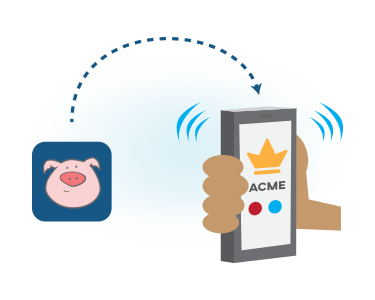
Configure your business phone number to forward incoming calls to the users on your account. Calls can go out to any US or Canadian phone number. You are able to update your forwarding options at any time and changes are instantly activated. Calls are transparently sent and callers won't know they have been forwarded.
Use your NumberBarn phone numbers to receive text messages. Access all messages in a single message inbox that can be filtered by account phone number. Supports local number and toll free texting. Works with any phone number in your NumberBarn account through the web and our mobile app.
Group messaging and international numbers (sending and receiving) are not supported.


Allow callers to press a key on their keypad to reach the information they need. Your custom message plays directing them to press the appropriate key ("Press 1 for Sales, press 2 for Support..."). Configure keys 0-9 to send callers to a user, group, voicemail or audio message. Record your outgoing message over the phone, upload a custom file, or choose from multiple realistic voices and let AI generate a business friendly greeting in seconds.
Set your weekly business hours and incoming after-hours calls are automatically routed to your desired location. Send calls to an after-hours voicemail, an audio message or your after-hours team. Your number will continue to work, even when you're not.

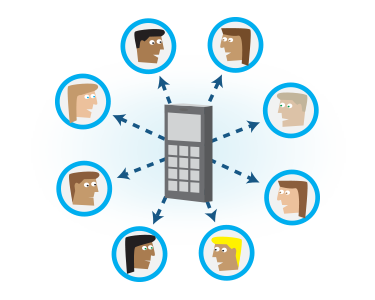
Forward incoming calls to your NumberBarn number out to a group of users at once, ringing their phones simultaneously. As the first user accepts the call, ringing will stop for all the other users.
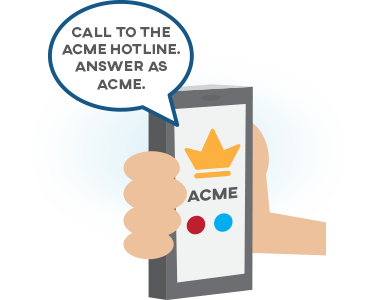
Create an audible, text-to-speech call whisper prompt when call forwarding to a group to better identify which of your numbers the caller dialed. This helps assure that all users in a group answer each call using the correctly branded greeting and ensures a clear separation between personal and business calls.

Enable call recording for your Business Line number and all incoming and outgoing calls are automatically recorded and stored in your call logs. Simply toggle it "on" to activate and begin recording.
Each user in your account has their own personalized voicemail. Messages are sent to their designated email address as an audio file. You can listen to and download the message from within the email. Record your outgoing message over the phone, upload a custom file, or choose from multiple realistic voices and let AI generate a business friendly greeting in seconds.

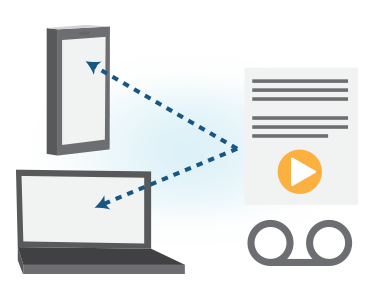
Quickly and easily read your voicemail messages. The content of your voicemail messages is transcribed and kept in your account call logs. Notifications and audio can be sent to your email.
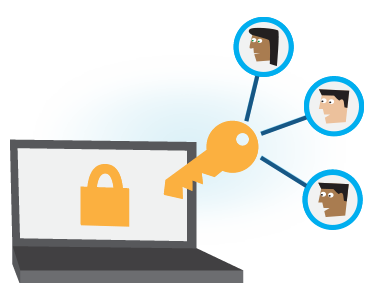
Create user accounts and give your team members access to receive calls, place calls and manage voicemail and text. Users have their own individual login credentials and see only what you allow them. Adding new users is an additional monthly fee.
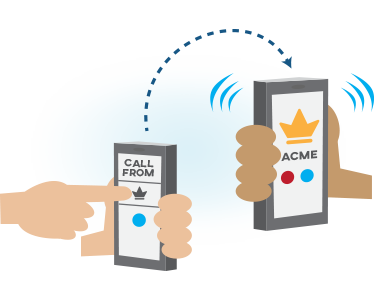
Show your NumberBarn phone number as caller ID when returning or starting a new call. We'll connect your call using your existing phone service (cell phone, work phone, home phone), or directly in your computer's browser using Wifi. We'll show the NumberBarn phone number you select in your account as outgoing caller ID.
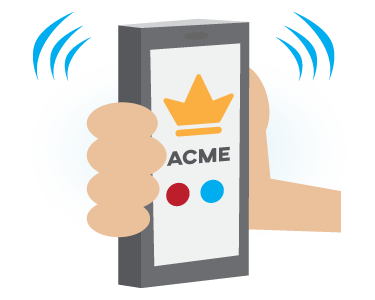
You'll know if that call is a personal call or a business call to your NumberBarn number. Select to show your NumberBarn phone number as incoming Caller ID so you'll be able to answer the call with the appropriate greeting.
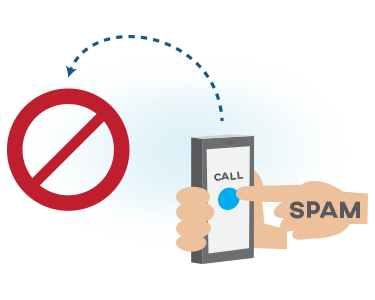
We've all received spam, telemarketer or robocalls that seem to interrupt at the worst time or just plain drive you crazy. Simply add any unwanted callers to your account blocking list and those callers will no longer reach you.
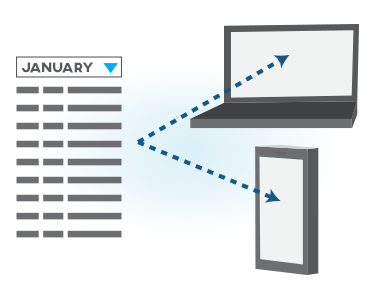
All incoming and outgoing calls are logged in your account. Sort by billing period, phone number and/or type of call. Voicemail messages are also accessible in your logs. Logs are downloadable as a .csv file for your records.

Record your outgoing message over the phone, upload a custom file, or choose from multiple realistic voices and let AI generate a friendly greeting in seconds. Custom audio files can be used for your outgoing voicemail message, auto attendant menu options.
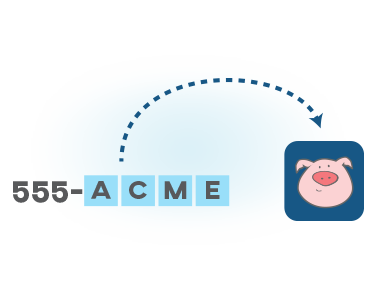
Find and buy a phone number whose corresponding keypad letters spell a word or name (like 1-800-FLOWERS). Allow your customers an easy way to remember how to reach you. We have millions of numbers to search and choose from! Search for local and toll free vanity numbers using our simple search tool. Adding phone numbers is an additional monthly fee.

Already have a great phone number? Transfer that number to NumberBarn and use it with our service. We can accept the majority of wireless and landline phone numbers from the US and Canada. You own your phone number and can move it to another service provider at any time. Adding phone numbers is an additional monthly fee.
Manage your NumberBarn business calls, voicemail and text on your mobile phone with our app. Show your NumberBarn phone number as caller ID, keeping your personal number safe, when returning or starting a new call. Each user on your account can download and use the app to manage the phone numbers you have assigned to them. Available for iOS and Android.

Get in the Barn and get a phone system upgrade to Business Line

 company.


